
Flipkart par seller account banana first step hota hai, lekin real earning start hoti hai product listing se. Bahut se new sellers ka product ya to live nahi hota, ya live hone ke baad bhi order nahi aata. Iska reason hota hai:
- Galat listing method
- Wrong category
- Low quality images
- High price
- SEO optimized title na hona
Agar aap Flipkart par regular order chahte ho to aapko scientific listing system follow karna padega. Is post me hum Flipkart par product listing kaise kare detail me samjhenge.
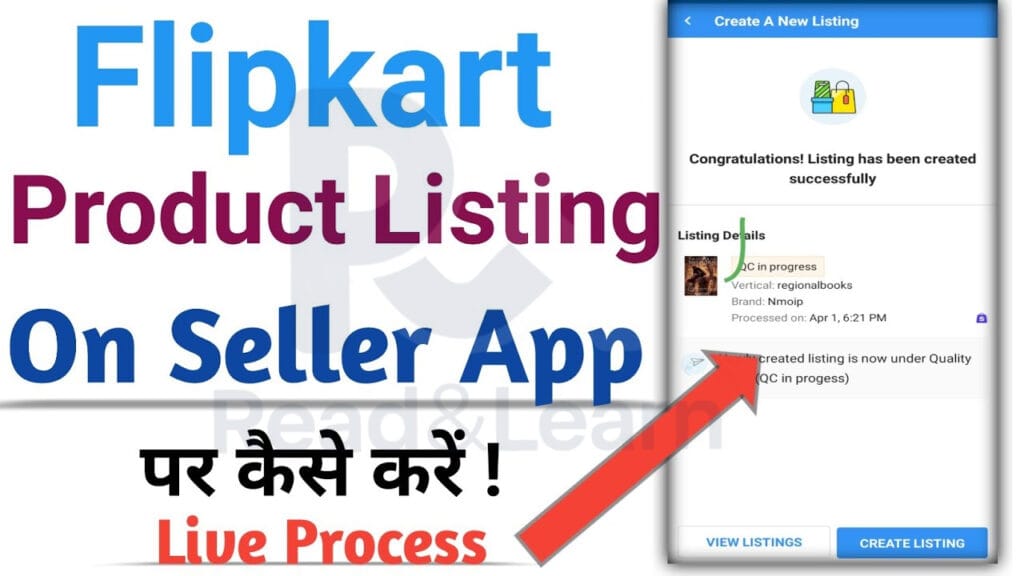
Flipkart par product listing kaise kare aur Pehle Kya Ready Rakhe?
Listing start karne se pehle:
✔ GST number
✔ Brand approval (agar brand hai)
✔ Product images (white background)
✔ HSN code
✔ Product weight & dimensions
✔ MRP & selling price
✔ Stock quantity
Flipkart Listing Ke Do Main Tarike
1️⃣ Existing Listing Par Sell Karna (Easy & Fast)
Agar product already Flipkart par hai:
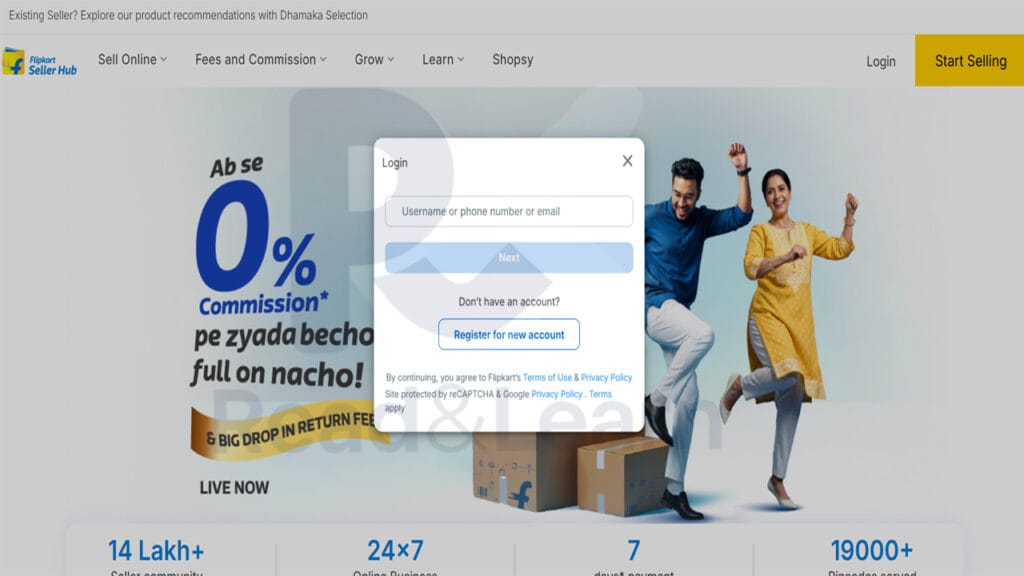
Steps: Flipkart par product listing kaise kare
- Seller Hub login
- Add New Listing
- Search product name / FSN
- Same product select
- Apna price & stock add karo
- Shipping type select
- Submit
📌 Product turant live ho jata hai.
2️⃣ New Product Listing (New ASIN / New FSN)
Agar product Flipkart par pehle se nahi hai:
Step-by-Step
Step 1 — Add New Listing
Seller Hub → Listings → Add New
Step 2 — Category Select
Sabse important step.
Galat category = reject.
Step 3 — Product Specifications Fill Kare
- Brand
- Model
- Material
- Color
- Size
- Package content
Step 4 — HSN Code Add Kare
GST wale ke liye mandatory.
Step 5 — Product Images Upload Kare
Image Rules
✔ White background
✔ 1000×1000 px
✔ No watermark
✔ Multiple angles
🔗 Related Post –
- Flipkart Par Seller Kaise Bane
- ₹10,000 Me E-commerce Business Kaise Start Kare
- Meesho Par Seller Kaise Bane?
Flipkart SEO Optimized Title Kaise Likhe? 🔥
Title Structure:
Brand + Product type + Key feature + Use + Quantity
Example:
❌ Cotton T-shirt
✅ Men Cotton Round Neck T-Shirt for Casual Wear (Pack of 1)
Product Description Kaise Likhe?
Description me:
✔ Benefits
✔ Material
✔ Use case
✔ Package content
Price Set Karne Ka Winning Formula
Price =
Product cost
- Flipkart commission
- Shipping
- Profit
Beginner Strategy:
Low price = Buy box + order.
Flipkart Me Shipping Kaise Select Kare?
1️⃣ FBF (Flipkart Fulfilled)
Flipkart warehouse me stock bhejo
Fast delivery
High sales
2️⃣ Non-FBF
Khud dispatch karo.
Stock Fill Karna (Important)
Stock out = ranking down.
Listing Live Hone Me Kitna Time Lagta Hai?
- Existing listing → instant
- New listing → 24–72 hours approval
Flipkart Par Sale Kaise Aati Hai? (Ranking System)
Ranking depend karta hai:
✔ Price
✔ Delivery speed
✔ Rating
✔ Stock
✔ Listing quality
Flipkart Par Fast Order Lane Ka System
1️⃣ Start Me Low Margin
Reviews ke liye.
2️⃣ FBF Use Kare
Prime badge jaisa benefit.
3️⃣ Ads Run Kare
Flipkart PPC.
Flipkart Ads Basic Strategy
Auto campaign start karo
Winning product identify karo.
Common Errors & Solutions
❌ Brand approval pending
✔ Trademark upload karo
❌ Image reject
✔ White background
❌ Listing inactive
✔ Price competitive rakho
❌ High return
✔ Correct description
Flipkart Profit Calculation Example
Product cost = ₹300
Selling price = ₹499
Commission + shipping = ₹130
Profit = ₹69
Pro Growth Hacks (Advanced Sellers)
⭐ Variation listing (size/color)
⭐ Same product multiple price point
⭐ Keyword research
⭐ Flipkart sale me participate
🔥 Detailed FAQs — Flipkart Product Listing
Flipkart par product listing kaise kare?
Flipkart seller dashboard (seller.flipkart.com) par login karein, ‘Listings’ tab par click karein, aur ‘Add New Listing’ chunein. Aap yahan se ‘Single Listing’ (ek-ek karke) ya ‘Bulk Listing’ (Excel sheet ke jariye) kar sakte hain. Sahi category select karna aur clear photos upload karna sabse jaruri hai.
Kya Flipkart par saman bechne ke liye GST number jaruri hai?
Haan, Flipkart par regular products bechne ke liye GST number mandatory (anivarya) hai. Lekin, agar aap sirf Tax-Exempted (tax-free) items jaise Books (kitabein) bech rahe hain, toh aap bina GST ke sirf apne PAN card ki madad se bhi seller account banakar listing kar sakte hain.
Flipkart catalog approval (QC) me kitna time lagta hai?
Jab aap koi naya product list karte hain, toh Flipkart ki QC (Quality Check) team use review karti hai. Agar aapki details aur images Flipkart ki guidelines ke hisab se sahi hain, toh catalog approve hone me aamtaur par 24 se 48 ghante (hours) ka time lagta hai.
Flipkart listing reject hone ke main kaaran (reasons) kya hain?
Catalog reject hone ke sabse bade reasons hain: Photos ka blur hona ya unpar watermark/logo laga hona, galat Brand ka naam use karna (bina trademark ke), Selling price ko MRP se jyada rakhna, ya description me kisi aur website (jaise Amazon/Meesho) ka naam likhna.
Flipkart Assured (F-Assured) tag kaise milta hai?
F-Assured tag paane ke liye aapko apni return rate (RTO) ko kam rakhna hota hai aur fast shipping deni hoti hai. Iska sabse aasan tarika hai apni inventory (stock) ko Flipkart Fulfillment (FBF) center me rakhna. Is tag se customers ka trust badhta hai aur sales double ho jati hain.
Conclusion
Flipkart par successful selling ka secret sirf product upload karna nahi balki SEO optimized listing, competitive pricing, fast shipping aur consistent stock hai. Agar aap scientific listing method follow karte ho to Flipkart se ek stable monthly income generate kar sakte ho.